 LumaCut
AI Video Editor
video editing has never been easier. LumaCut will automatically generate the script, scenes and video for you with powerful AI features.
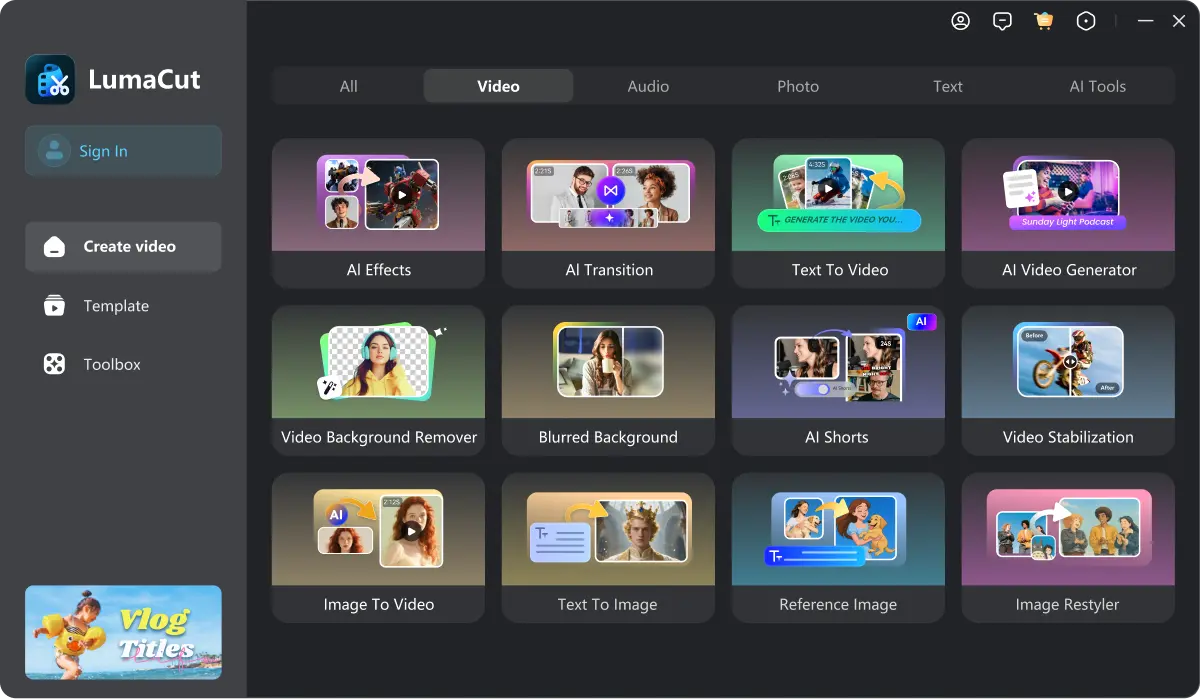
- AI script/text/image to video
- AI text/image to image
- AI text to music/SFX
- AI auto caption and dubbing
- 500+ Professionally designed templates
- 50+ AI video editing tools
 AI Image to video
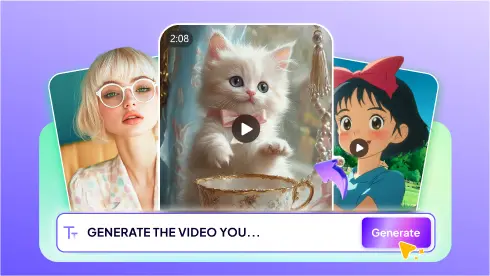 AI Text to Video
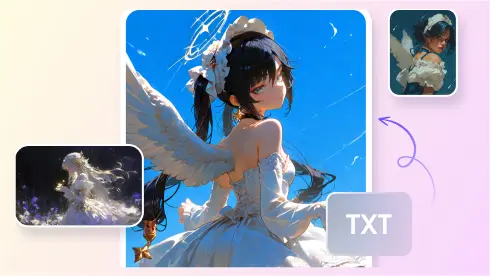 AI Image Generation
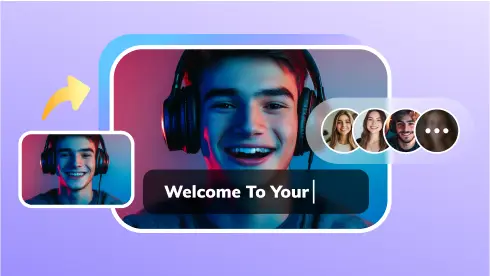 AI Avatar
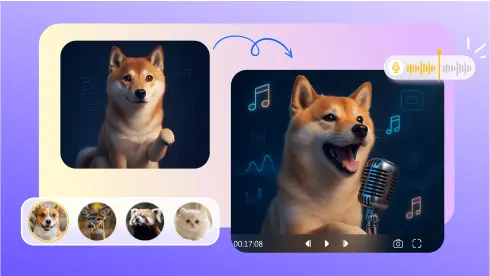 AI Talking Photo
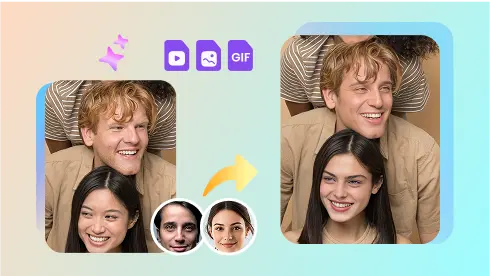 AI face swap
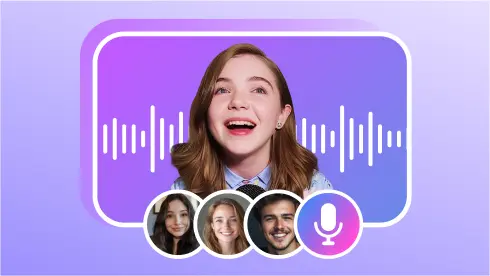 AI Dubbing
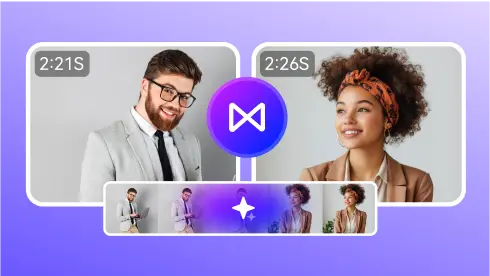 AI transition












Advanced AI tools make video editing easier than before — Less time, more creativity
Create videos from an idea, a text prompt or an image
With LumaCut, you can generate a video from a simple text prompt or any image. LumaCut even can help you AI generate the video script and then convert it to video.
500+ professionally designed AI effects templates
Explore 500+ AI effects templates for different use cases and start your video in minutes.
 Kiss Your Love
 Animate Kiss

 Hug Your Love

 The Tiger's Touch
 Kung Fu Fighting

 Love Punch
 Iron Man
 Batman
 Hulk
Hulk
 Cat Woman

 Ghibli Show

 Ghibli Magic

 Mint in Box

 Clay Fool

 Doll Transformation

 Vintage Anime Buzz

 PUBG Winner Dance

 Skeleton Dance
 Subject 3 Dance
 Motorized Dancer
 Pets Hug
 Kitty Cutting Vegetables
 Puppy Chef
 Kitty Washing Vegetables
 Fitness Kitty
 Smiling Puppy
 Let's Shake
 Jiggle Jiggle
 Sailor Moon
 Pomba Gira Slay
AI Animation
Quickly create stunning animations using ready-to-use templates. Save time and energy. ideal for busy creators.
AI Transition
With LumaCut, you can generate a video from a simple text prompt or any image. LumaCut even can help you AI generate the video script and then convert it to video.
Global business expansion is no longer a challenge — thanks to LumaCut
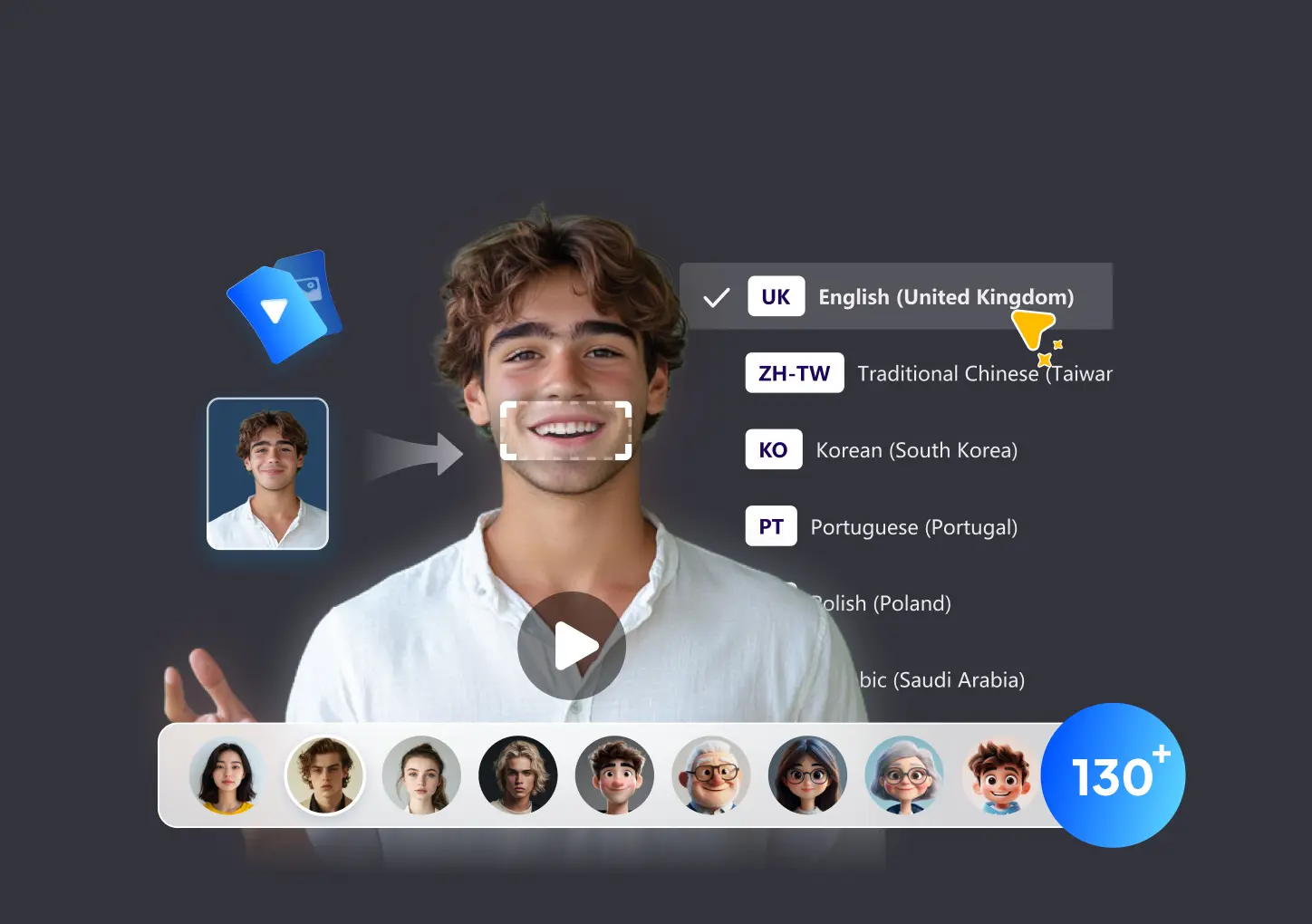
AI voiceovers and translate your videos into 130+ Language in minutes
Instantly translate your videos into 130+ languages, clone your voice, and sync your lips to match — so the final result looks and sounds completely natural.
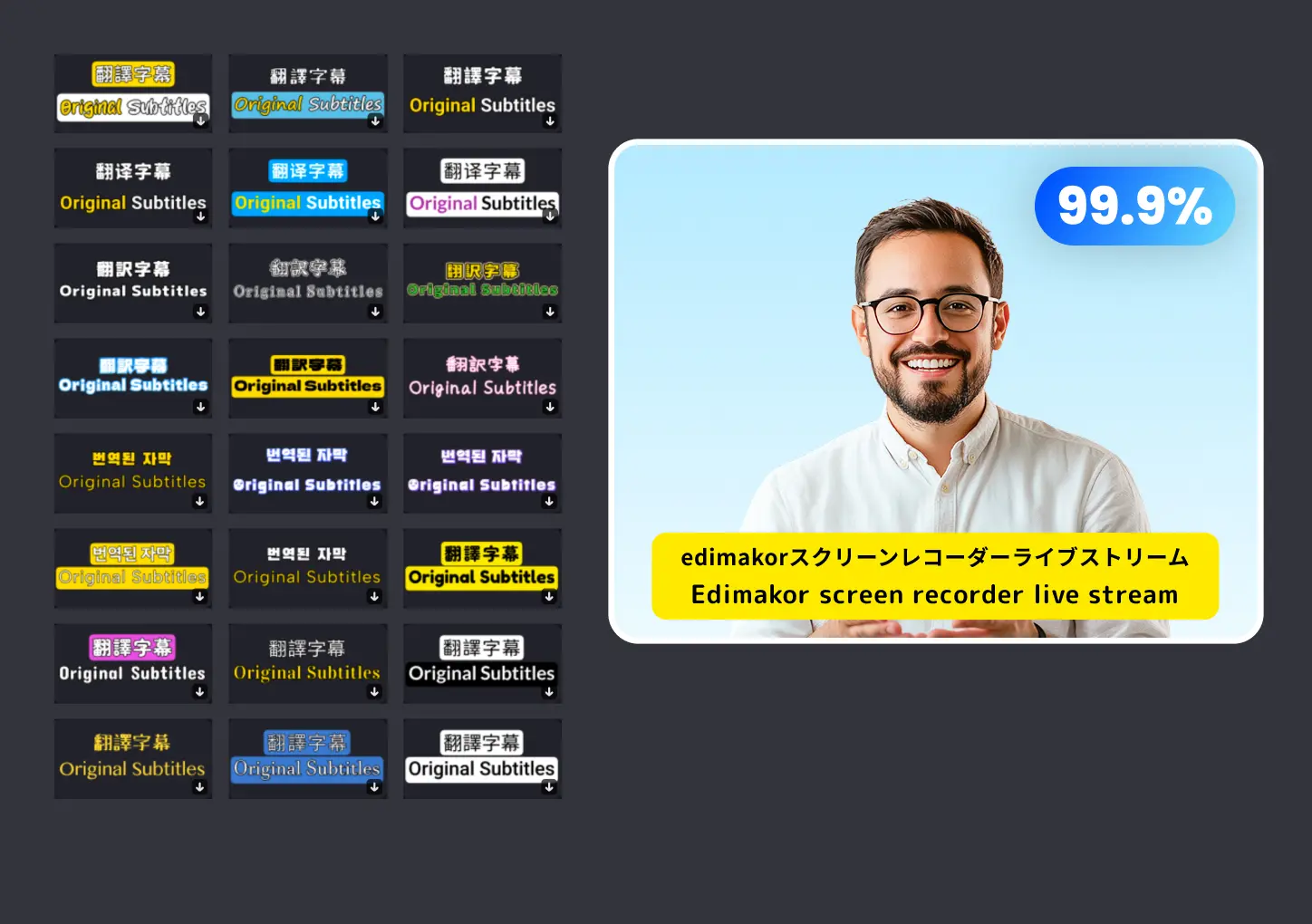
AI auto subtitle. Dynamic, highlight, bilingual subtitles are all available. 99.9% accuracy.
Automatically generate subtitles to make your videos accessible to audiences worldwide — fast, accurate, and effortless. Just enjoy creating.
Explore the full power of LumaCut AI video editor
 AI Speech to Text
Create unlimited video variations with 300+ AI avatars.
 AI Text to Speech
Convert text to speech with 99.9% accuracy — supporting 130+ languages worldwide.
 AI Video Translator
AI translate, auto-subtitle and dub your videos in multiple languages with one click.
 AI Video Lip-sync
Sync any voice to any face with AI. Realistic lip-syncing for videos, dubbing, and localization.
 AI Script Generator
AI-powered scriptwriting for videos, ads, podcasts, and more. Fast, smart, and tailored to you.
 AI Copywriting
Generates video script, marketing copy, drafts agreements and more in just seconds
 AI Cutout
Remove backgrounds instantly with AI Cutout. Clean edges, high-res results, no manual work.
 AI Blur Backgrond
Easily blur backgrounds with AI. Highlight your subject and get pro-level portrait effects.
 AI Video Stabilization
Fix shaky footage instantly! AI Video Stabilization makes every clip smooth and professional.
 AI Auto Subtitles
One-click AI subtitles for TikTok, Reels, and Shorts. Boost views and engagement fast.
 AI Video Enhancer
Enhance blurry or low-res videos with AI. Sharpen, upscale, and restore details instantly.
 AI Beat Detection
Break the audio in your video to detectable beats and assign editable markers
 AI Noise Remover
Top-rated noise cancellation. Reduce the noise in one click.
 AI Vocal Remover
Split vocal and instrumental tracks to create Karaoke tracks, remixes, or covers of your favorite songs.
Join 1M+ users who create and edit videos with LumaCut

Powerful
Super intuitive and powerful! The AI handles cuts and transitions perfectly. Saved me hours of editing. A must-have for content creators!

Smart
Love how it auto-edits my clips with smart scene detection. I just add my final touches and publish. Perfect tool for quick, clean videos!

Professional
AI-powered editing is a game-changer. It made my vlog look professional in minutes. Smooth UI and great export options too!

Amazing
Amazing features for such a lightweight tool. Auto-subtitles, voice sync, and smart trimming work like magic. Totally worth it!
Start to try LumaCut right now
Boost your workflow with 50+ advanced AI video editing tools in one software